USMart
A full-stack, single-store e-commerce application built as a personal showcase project, tracing the complete path from product discovery and a persistent cart through authenticated checkout to customer order history and merchant fulfillment.
Overview
More than a storefront
The interesting part isn't that it has a shop front; it's how discovery, cart, authentication, checkout and fulfillment connect into one workflow.
USMart is a full-stack, single-store e-commerce web application, designed and built independently as a personal showcase project. A database-backed catalog spans five categories (Electronics, Clothing, Accessories, Home and Sports) with server-side search and filtering, a persistent shopping cart, authenticated checkout and a merchant console for fulfilling the orders it creates.
Product Discovery
Search and browse, kept deliberately simple
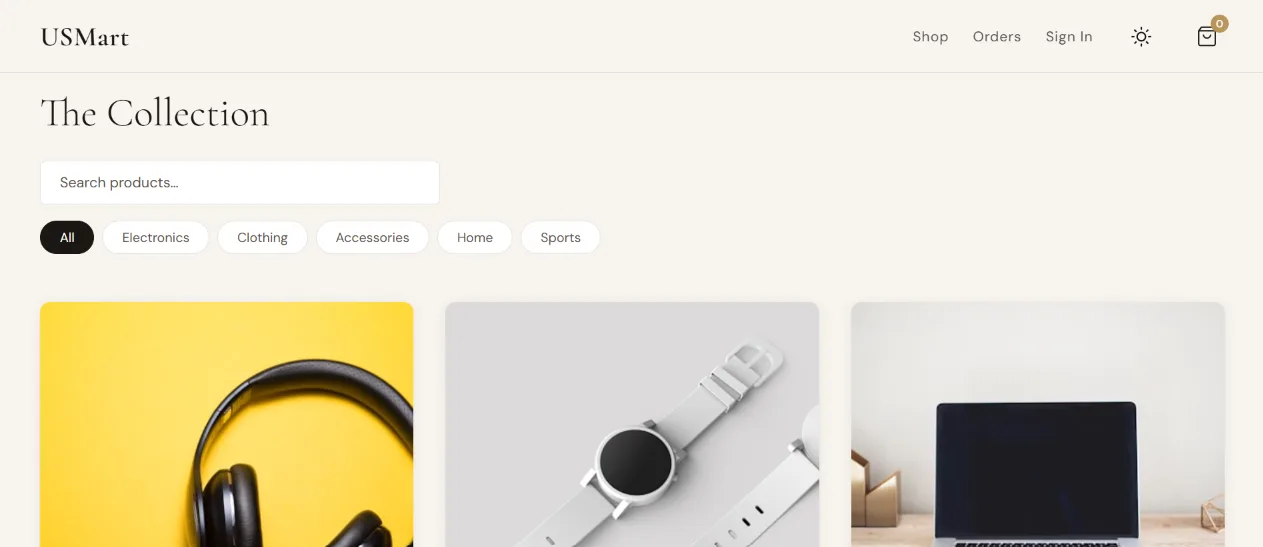
Product-name search and category filtering can be combined; no sorting, no recommendations, no full-text search.
Search
Server-side, partial, case-insensitive product-name search, implemented through SQLAlchemy ILIKE.
Category filter
Exact-match filtering across Electronics, Clothing, Accessories, Home and Sports, combinable with search.
Product model
Name, description, price, category, one image, integer stock, aggregate rating and review count.
Product & Reviews
Price, stock and reviews on one page
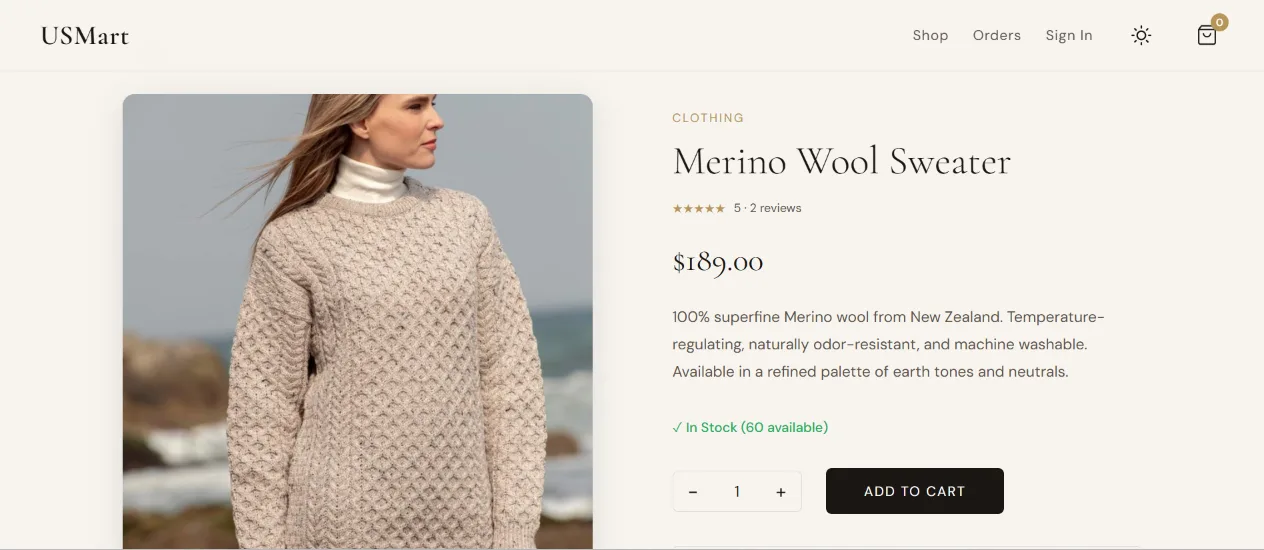
Each product page shows price, description, numeric stock and an aggregate rating drawn from customer reviews, with a quantity selector feeding Add to Cart or Buy Now. Reviews are database-backed: an authenticated customer submits a 1–5 rating with a required comment, and the backend recalculates the product's average rating and review count after each submission.
Cart & Continuity
A cart that survives login
Guest carts live in the browser, not the database; signing in doesn't lose them.
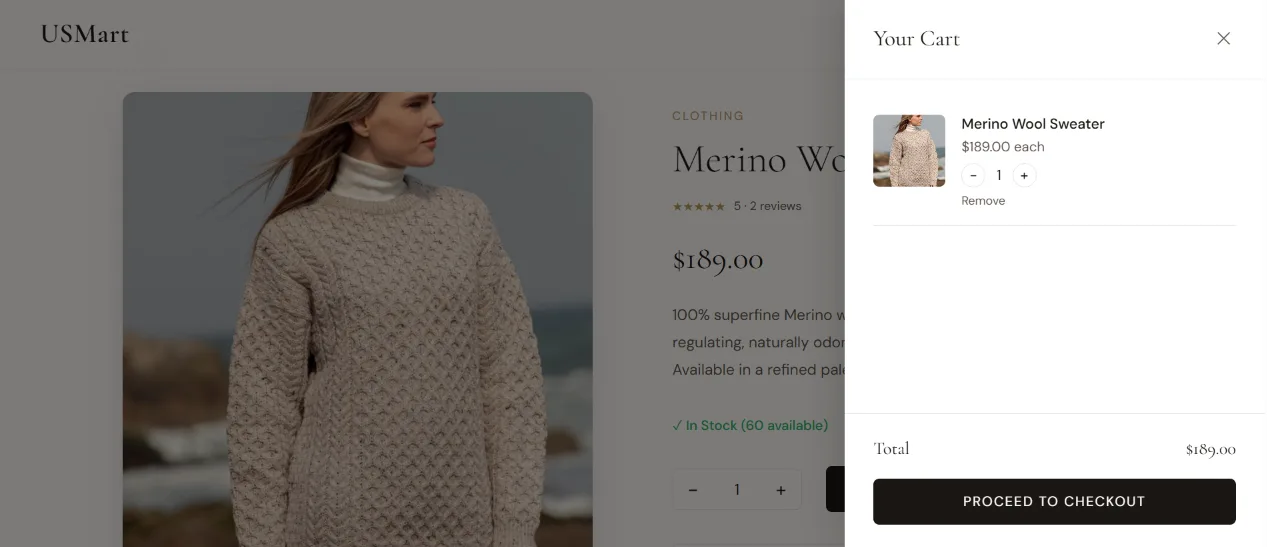
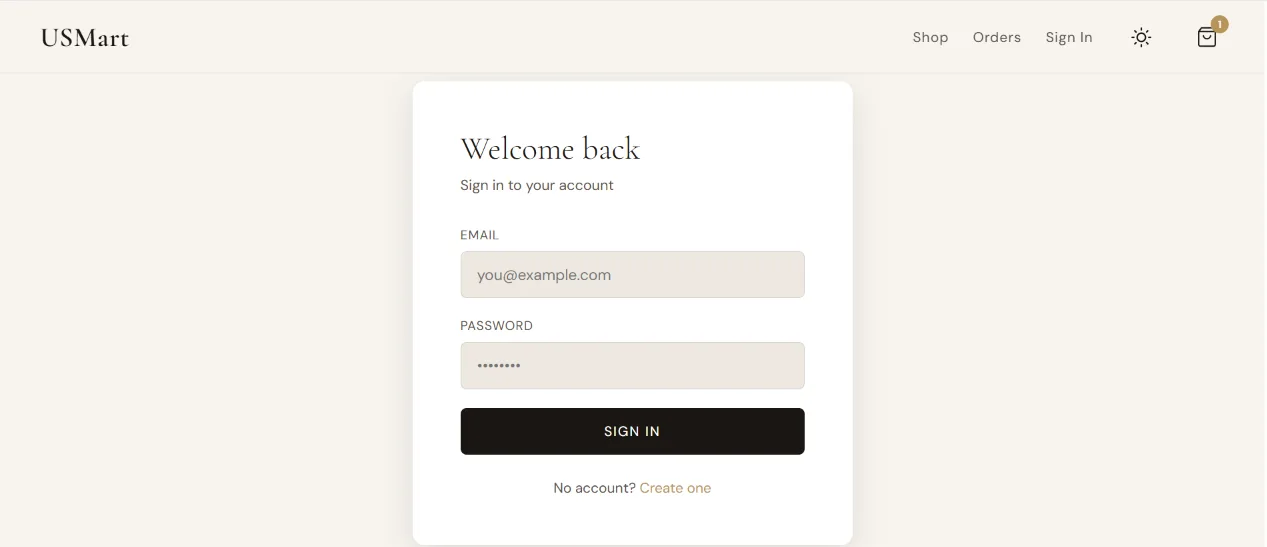
Guest carts are stored in the browser's LocalStorage; once a customer registers or logs in, those items are merged into a user-specific LocalStorage cart so nothing they added is lost. At checkout, only product IDs and quantities are sent to Flask: the server recalculates the total from current database prices, so a browser-cached price is never authoritative.
Checkout
Simulated checkout, a real order
The UI collects shipping details and card fields, but there's no payment gateway behind it: this is simulated order placement, not payment processing.
Shipping Details
Name, address, city, ZIP & country
Authentication Required
Server Recalculates Total
From current database prices
Order + OrderItems Persisted
Each item keeps a price snapshot
Cart Cleared
Order ID Returned
On success, the server creates an Order with the user, recalculated total, shipping address and a Processing status, alongside one OrderItem per line (each storing its own price snapshot) and returns the new order's numeric ID, which the confirmation screen shows alongside the final total.
Order Lifecycle
From Processing to fulfilled, or cancelled
Customers can cancel their own order for as long as it stays in Processing.
Customers can review their previous orders, each order's line items, shipping address, date, total and current fulfillment status.
Merchant Console
Running the store from the other side
Fulfillment, inventory and a stock-based category view, in one console.
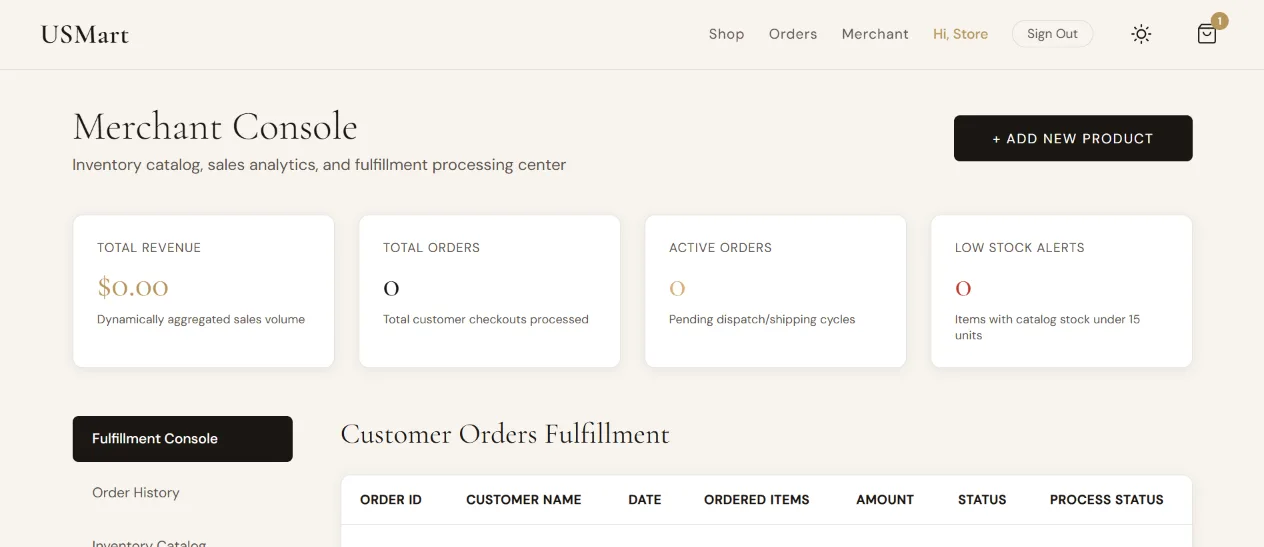
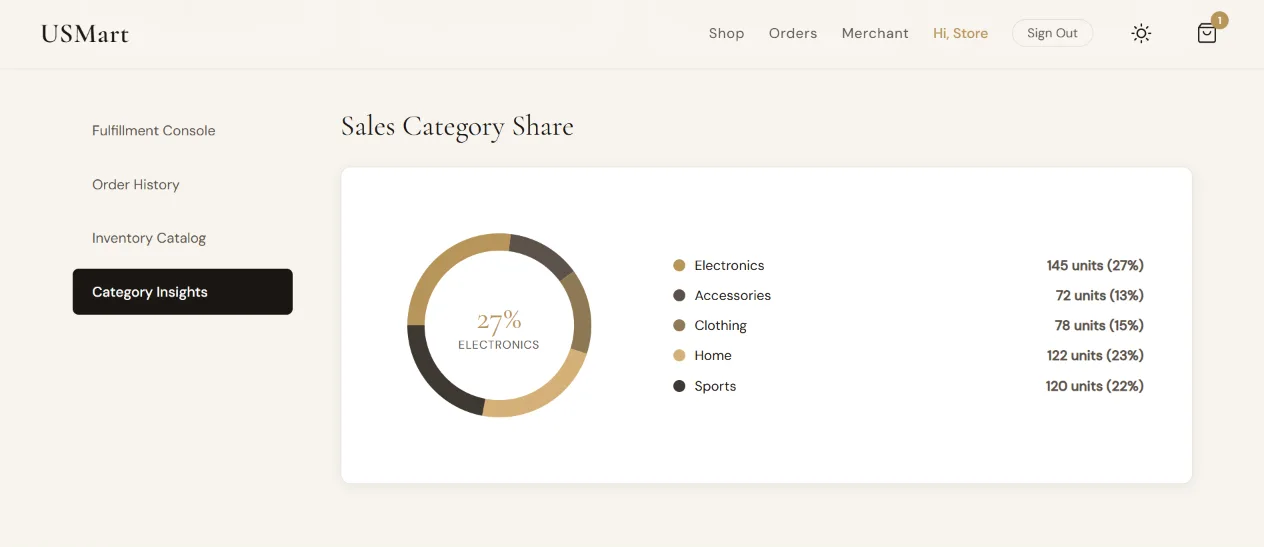
The console surfaces total revenue from non-cancelled orders, total and active order counts, and a low-stock count for products under 15 units, alongside the complete order history and a product/inventory table. The category chart groups current stock quantities by category: stock visibility, not a sales breakdown, whatever its on-screen label reads. From here, a merchant can create, edit or permanently delete products (name, description, price, category, stock and image, uploaded locally or linked by URL) and move each order forward through its fulfillment status.
Architecture
A framework-free frontend over a small Flask API
One static HTML document behaves like an SPA: page-like sections swapped through direct DOM manipulation, no frontend framework underneath. That choice is deliberate: it sets USMart apart from the more framework-heavy projects elsewhere in this portfolio.
The relationships stay simple: a User has many Orders, each Order has many OrderItems referencing a Product, and each Product accumulates Reviews independently: a Review stores the reviewer's name as text rather than a foreign key back to User.
Stack
Technology
Frontend
Backend
Persistence
Authentication
Media